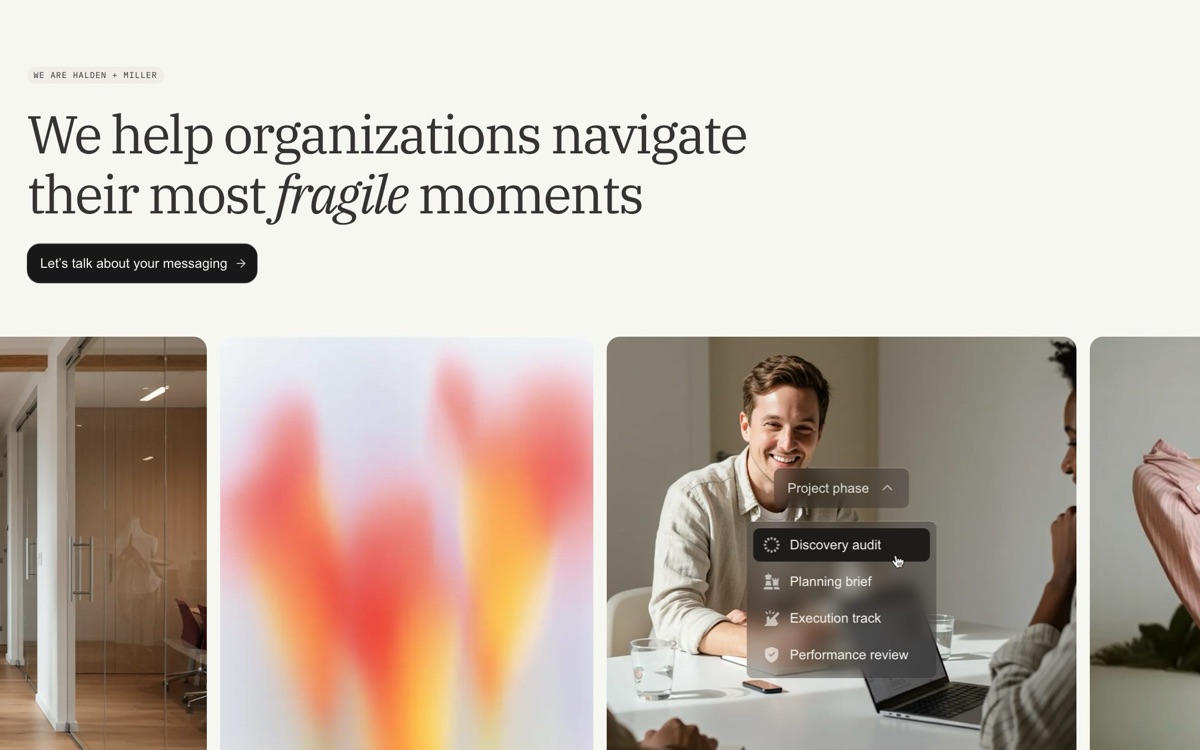
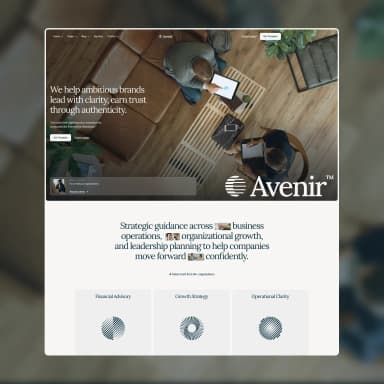
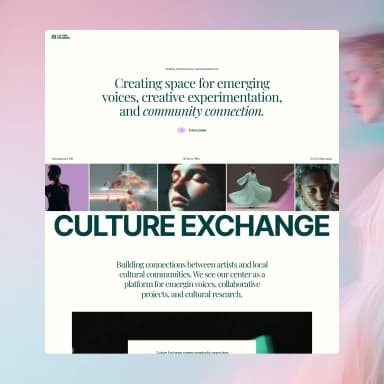
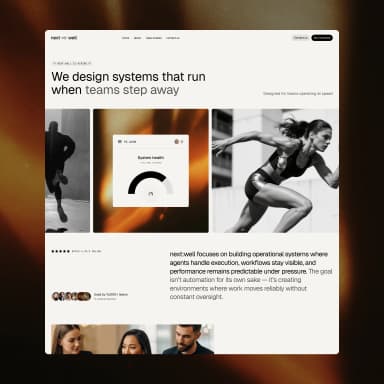
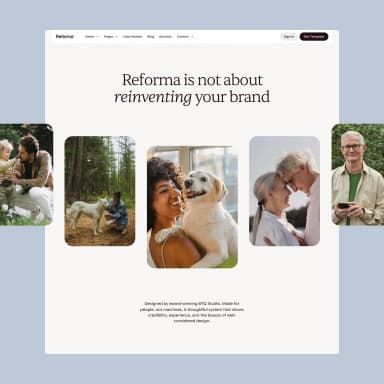
- Templates (200+) – complete, ready-to-launch sites with global components, CMS and optional eCommerce. Pick one when you want a whole site on day one. Formats: Webflow, Framer (where available), Figma and HTML. There is no Shopify or prompt version of a template. Unlock with a template credit on Pro or Agency, or buy one individually.
- Sections (2,800+) – single building blocks lifted from our templates. Pick them to add a hero, pricing block or footer to a project you already have. Copy to Webflow, Figma, Framer (a link to a Framer component), HTML, Shopify (where available) or as a Copy Prompt for AI coding tools. Around 40 are free; Pro and Agency copy any section.
- Wireframes (285) – neutral, layout-only blocks. The Variables and Client-First system lives in a free Webflow starter. Pick them for scalable, multi-page projects with a clean architecture. Copy to Webflow, Figma and Framer; most also come as HTML or a prompt for AI coding tools. 11 are free; Pro and Agency get them all.
- Gems (hundreds) – self-contained micro-interactions and motion effects, such as hover effects, marquees and scroll reveals. Pick one when you need a single interaction, not a whole section. 8 are free.
- Design systems (300+) – colors, type and spacing as DESIGN.md, tokens.json, theme.css and variables.css. Pick one to give an AI tool or a new project a specific visual identity. Anyone can view them; downloads need Pro or Agency.
- Icons (8,500+) – a searchable icon library for your designs and builds.
- MCP – connects your AI coding tool to the library, so it can search and fetch Sections, Gems and Wireframes while you build.
- Website builder – start from a template, answer a few questions about your business, then edit by chat in your browser and publish. Building starts free; AI work runs on AI tokens.
Not sure where to start? Choose a Template for a complete site in Webflow, Framer, Figma or HTML. Choose Sections to add finished blocks to a project you already have, in Webflow, Figma, Framer, HTML, Shopify or an AI coding tool. Choose Wireframes when you want neutral layouts and, in Webflow, a system you can scale. Choose a Design system when an AI coding tool should follow a specific look.