Pick the right file for the right tool
Each Design System on BYQ comes with four downloadable files. They contain the same underlying information — the colors, typography, spacing, and surface logic of the template — but each one is shaped for a different kind of tool. Picking the right file is mostly a question of where you’re going to use it.
DESIGN.md
A single markdown file written for AI tools to read. It includes the full visual language of the template — colors with their roles, typography scale, spacing system, surface ladder, do’s and don’ts, and example prompts — all in a format that AI tools like Claude, ChatGPT, Lovable, Cursor, or v0 can use as context.
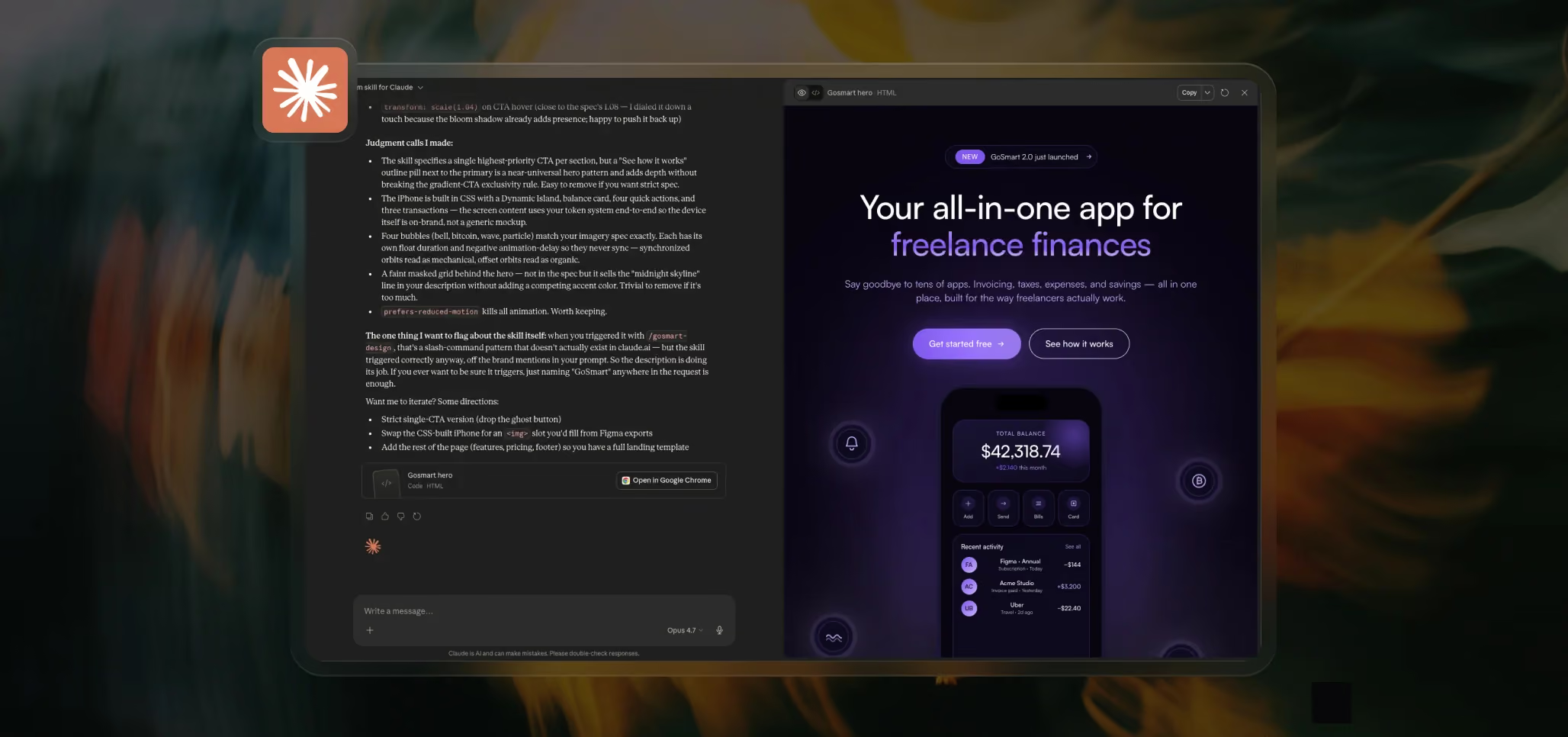
This is the file most people start with. Drop it into a chat, attach it to a project, or save it as a custom instruction set, and the AI immediately knows how to design in the style of that template.
Use it when: you’re building with an AI tool and want the output to follow a specific template’s visual language.
tokens.json
The design tokens in a structured JSON format that follows the Design Tokens Community Group standard. This is the file that design and development tooling can read directly — colors, typography, and spacing all defined as named tokens with values and descriptions.
The most common use case is importing it into Figma through the Tokens Studio plugin, which turns the file into Figma variables you can apply across your design. It can also be used in token pipelines like Style Dictionary to generate platform-specific code, or in any tool that supports a JSON-based token format.
Use it when: you’re working in Figma and want the template’s tokens as variables, or you’re feeding tokens into a design pipeline.
theme.css
A drop-in [class]@theme[/class] block written for Tailwind v4. Paste it into a Tailwind v4 project and every token immediately becomes a usable utility — [class]bg-color-paper-cream[/class], [class]text-color-midnight-ink[/class], [class]p-spacing-32[/class], and so on. No configuration, no setup.
This is especially useful inside AI builders that default to Tailwind v4, like v0 or Lovable, where you can hand the AI a [class]theme.css[/class] and it can start generating Tailwind code that uses the template’s tokens natively.
Use it when: your project uses Tailwind v4, or you’re building inside a tool that does.
variables.css
Plain CSS custom properties scoped to [class]:root[/class]. It’s the most universal of the four — any project that uses CSS can use this file. Vanilla HTML, React without Tailwind, Webflow custom code, Vue, Svelte, anything.
It’s the fallback file. If you’re not sure which of the others to use, or if your stack doesn’t fit the first three, this one always works.
Use it when: your project uses plain CSS, or you want a format that works anywhere without dependencies.
Quick reference
A short matrix to help you pick at a glance:
- Building with AI? → DESIGN.md
- Working in Figma? → tokens.json (via Tokens Studio)
- Using Tailwind v4? → theme.css
- Anything else with CSS? → variables.css
You can use more than one. A common combination is DESIGN.md for the AI plus theme.css or variables.css for the actual code output, so the AI generates against the same tokens it can already see.
A reminder on Extended vs. Compact
Each of the four files comes in two versions. Extended includes full descriptions and context — best when your tool has space. Compact strips it down to essentials — better when context is tight. We covered this in Getting Started; the same toggle applies to every file.
